

Creating a liquidity pool on Juncta
To create a liquidity pool on Juncta, you need to deposit an equal value of two tokens into the protocol. This creates a new trading pair, and allows you to start earning trading fees and lending yield.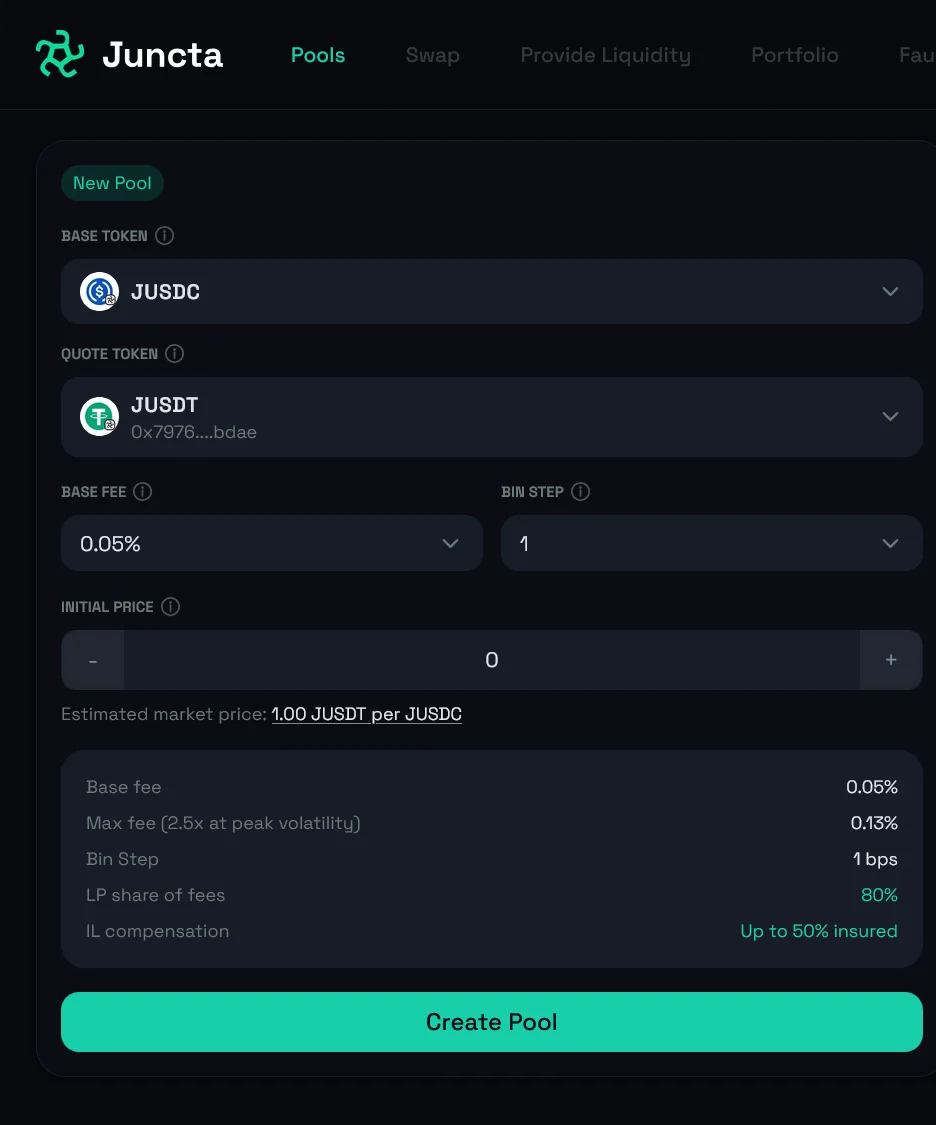
- Open your dashboard and click the New Pool button. This will take you to the pool creation flow where you can set up your new liquidity pool.
-
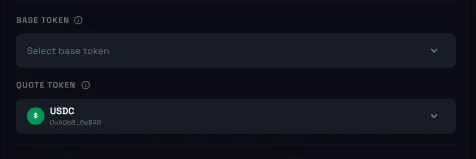
Select your preferred base and quote tokens for the pool. The base token is the first token in the pair (e.g. CED in CED/USDC) and the quote token is the second token in the pair (e.g. USDC in CED/USDC).
-
Input the token’s initial price. This is the initial pool price for your trading pair. In simpler terms, it is the amount of quote token that is equivalent to 1 unit of the base token. For example, if you are creating a CED/USDC pool and you input an initial price of 0.5, that means that 1 CED is equivalent to 0.5 USDC.
You should ensure you set this price as close to the current market price as possible to avoid significant impermanent loss when you first provide liquidity to the pool.
