Borrow liquidity on Juncta
To borrow liquidity on Juncta, you can either borrow against your existing LP position or provide separate collateral to secure your loan.Step 1: Open the lending market
Navigate to the Borrow tab on your dashboard. This will take you to the lending market where you can view available borrowing options. Select your preferred borrowing option.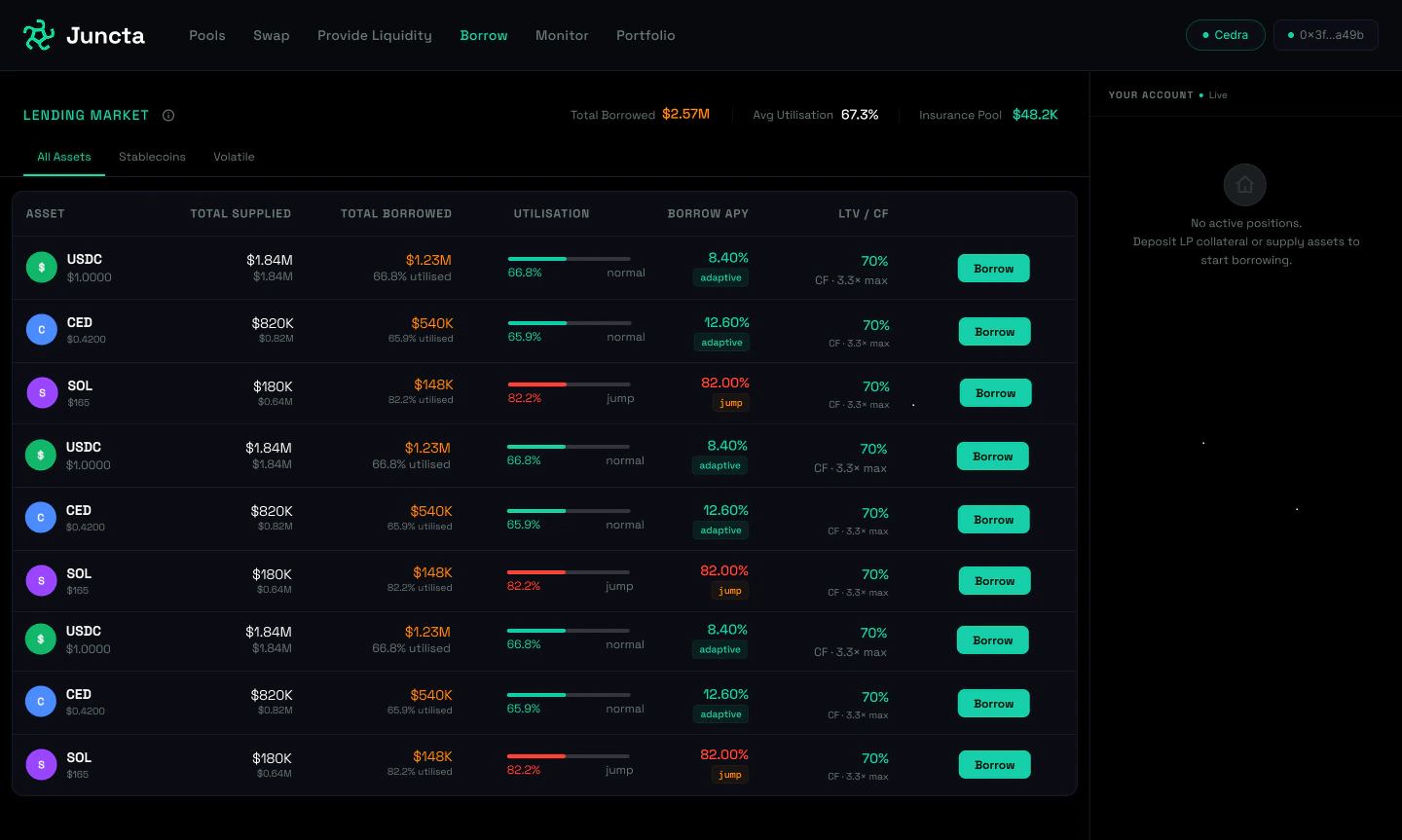
Step 2: Choose how to provide collateral
Once you’ve selected your borrowing option, you can choose how to provide collateral for your loan. You can either use your existing LP position as collateral or provide separate collateral by depositing other assets. Learn more about the different collateral options in our collateral guide.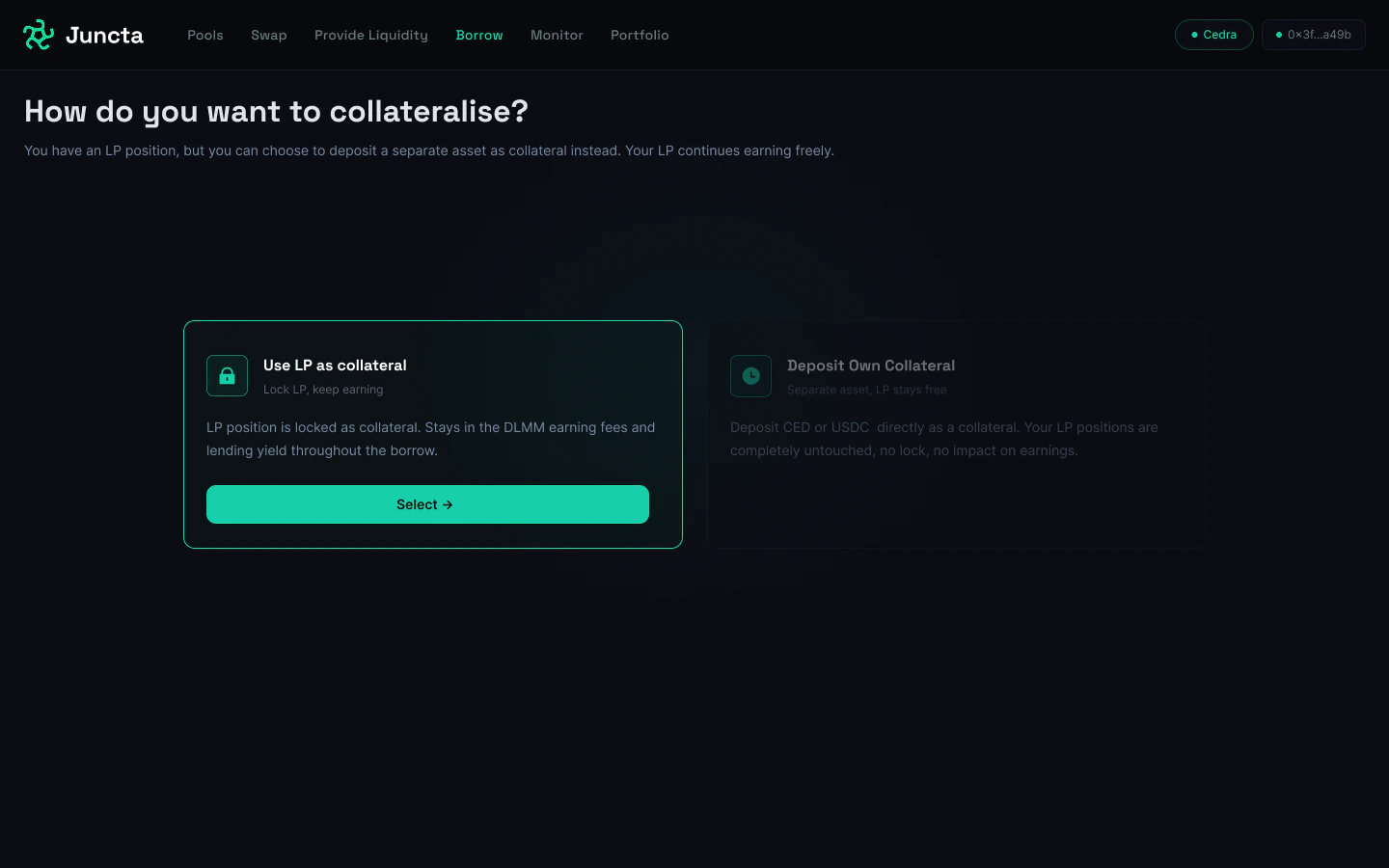
Step 3: Provide your collateral
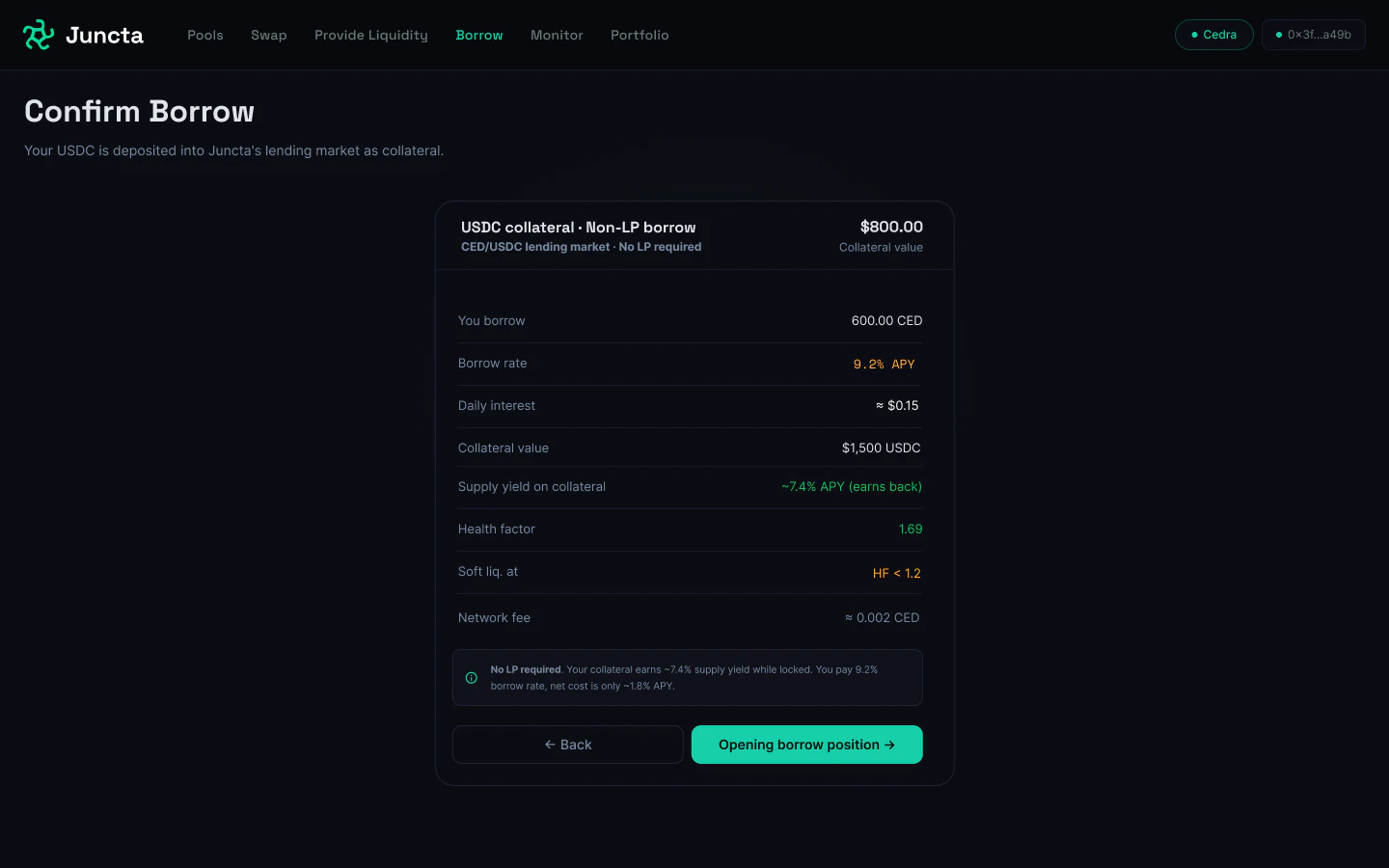
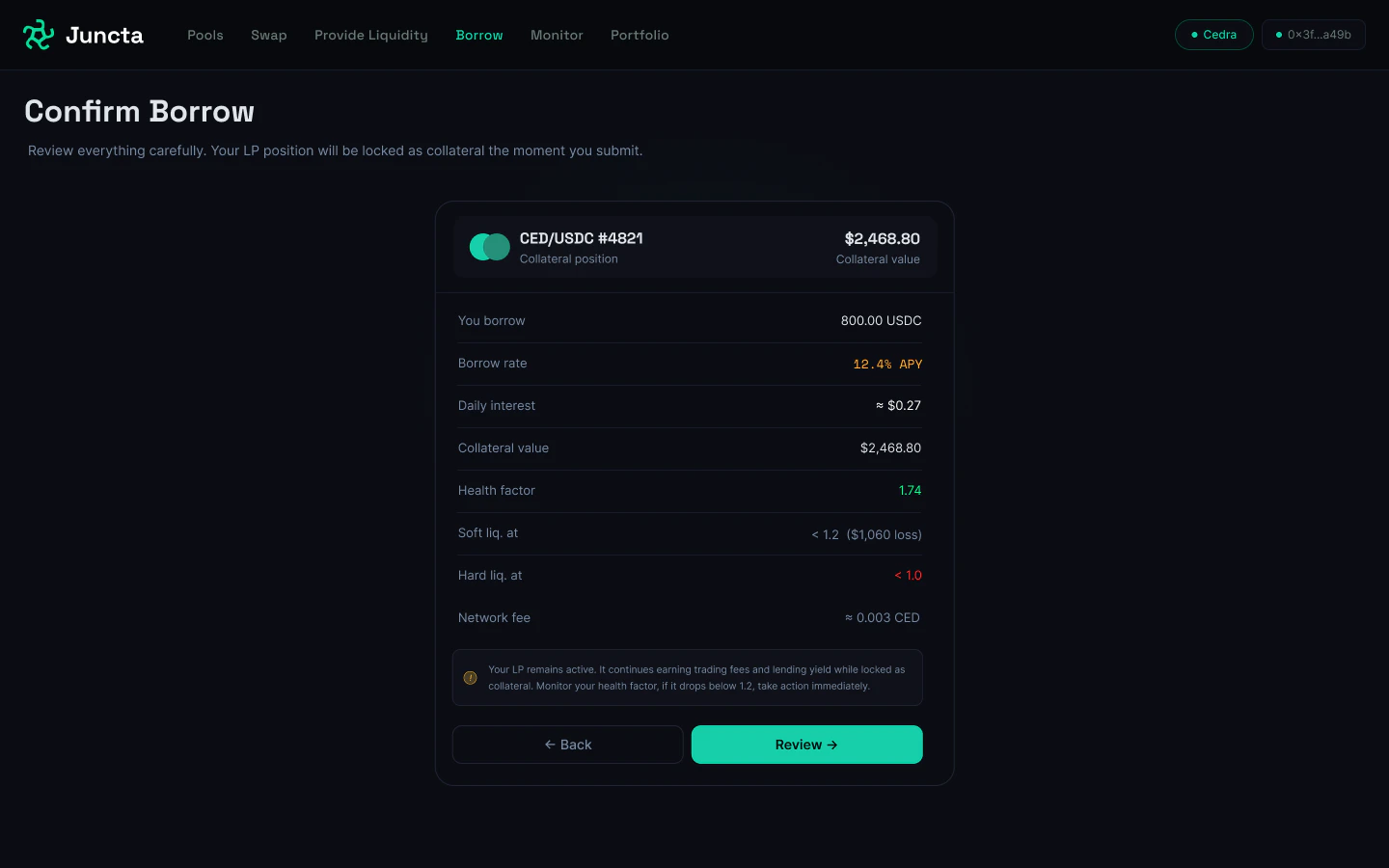
How you provide collateral depends on the option you selected in the previous step. There are two paths — follow the one that applies to you. Option A — Depositing Separate Collateral Select the token you want to deposit as collateral and enter the amount. Ensure you have this token in your wallet and approve the transaction to deposit it as collateral for your loan. The system will automatically calculate your health factor and borrowing power based on the current value of the deposited asset and its loan-to-value ratio. Review the details of your borrowing position, including the collateral you provided, the amount you want to borrow, and the associated health factor. If everything looks good, confirm the transaction to open your borrowing position.